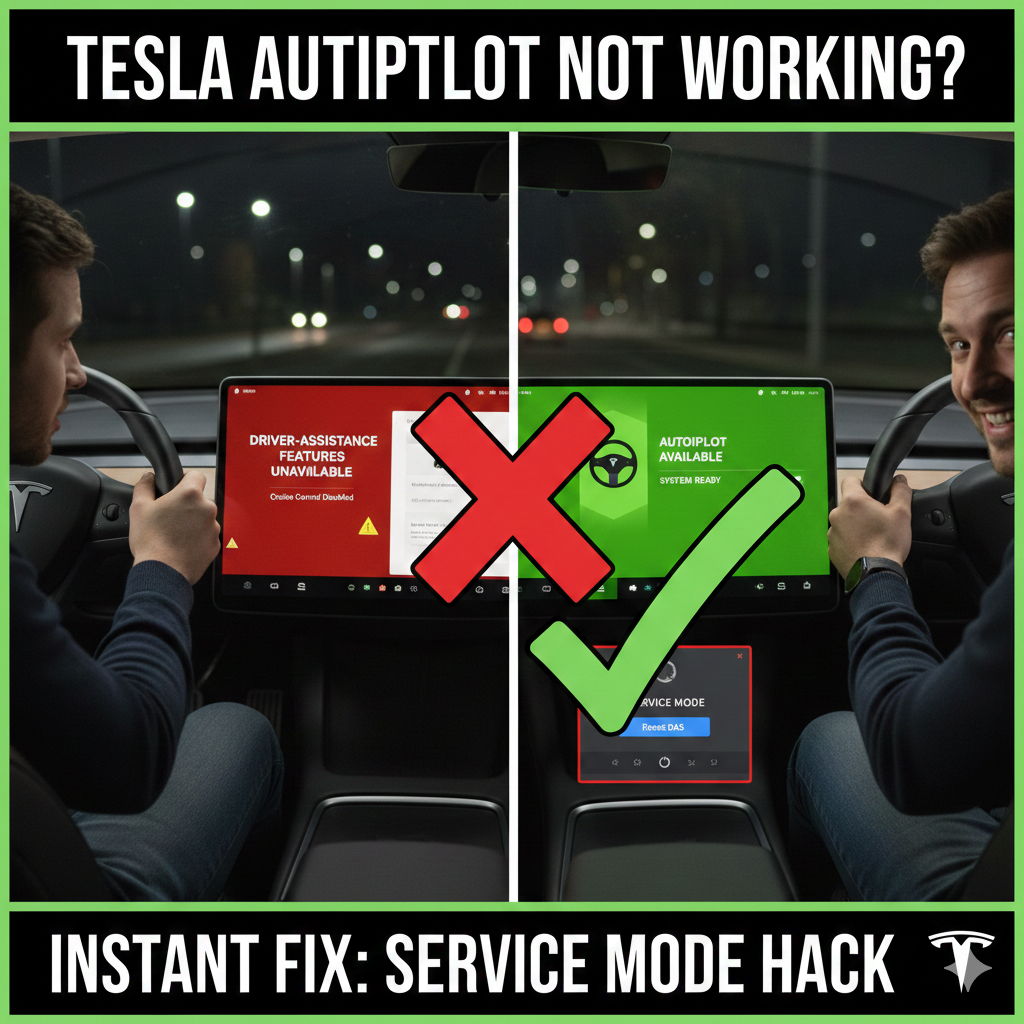
This morning when you were driving to work did you get that message that says “Driver Assistance Features Unavailable”? It is really frustrating when the Autopilot and Traffic-Aware Cruise Control on your Model 3 or Model Y stop working.
A lot of people just wait for their car to reset itself overnight or for a new software update to come out.. There is a quicker way to fix the problem. You can use the password, for Tesla Service Mode to reset the Driver Assistance System manually. This way you can get everything working again in a few minutes.
Why is your Tesla Cruise Control Unavailable?
This is not usually a problem with the hardware. It is often a problem with the software where the Tesla DAS ECU has a problem working with the cameras or sensors. Some common things that happen when this occurs include:
- The Autopilot steering wheel icon is no longer visible on the screen.
- Cruise Control does not. It shows a warning message.
- The Tesla car does not show the cars around it or the lines on the road. The Tesla DAS ECU has a problem. That is why the Tesla car is not working right. The Tesla DAS ECU loses sync, with the cameras or sensors. That causes these problems.
5 Common Reasons Why Tesla Autopilot & Cameras Fail
Before you start the reset it is an idea to know why this happens. In the USA Tesla drivers often say these things cause problems:
- Things Around Us
When it rains a lot or snows or when the sun shines really bright it can be hard for the Tesla Vision cameras to see. If the car cannot see well it will turn off Autopilot to be safe.
- Blocked or Dirty Sensors
a small smudge or dirt on the B-pillar camera or the front windshield can make the car say “Camera Blocked”. You should always make sure the lenses are clean.
- Software Problems
After the car gets an update, from the air the cars cameras and computer might not work well together. This is the reason why you need to reset the Tesla.
4.. Sentry Drive Issues
Sometimes the USB drive used for Sentry Mode can get messed up and make the cars computer slow down. This can affect the driver assistance features of the Tesla.
- Hardware Calibration Issues
If you got a windshield or had a camera fixed the Tesla may need to drive around again to learn its surroundings. The Tesla needs to do this to work properly.
Step-by-Step: How to Reset Tesla DAS via Service Mode
If the regular way to restart your Tesla does not work you can try this method that the people who fix Teslas use to restart the Tesla driver assistance systems.
To do this you need to get into Tesla Service Mode.
First go to the Controls menu on your touchscreen in your Tesla.
Select Software from the menu.
Next,. Hold the text that says what kind of Tesla you have, like Model 3 for a few seconds.
When you are asked for a password, type in the word service to get into Tesla Service Mode.
Now you need to get to the Camera and Driver Assist Menu.
Once you are in the Service Mode, which has a border around it tap where it says Driver Assist.
Then select Cameras from the menu.
At the bottom of the screen you will see a button that says Reset DAS.
Before you can reset the system you need to do what Tesla calls a “handshake” to make sure you really want to do it.
To do the handshake press the Brake Pedal. Hold it down.
At the time pull the Right Turn Signal stalk up and hold it there.
Keep holding both of these down for 10 to 15 seconds.
The Reset DAS button will turn blue. You can tap the Run button.
After you do this your Tesla system will restart.
You will see a message on the screen that says the ECU is shutting down.
All the little dots that show the cameras will turn gray.
Just wait for 30 to 60 seconds.
When the icons, for the Cameras and the ECU turn green you will know that the system has restarted successfully.
Finally you can get out of the Service Mode by pressing and holding the Exit button at the top of the screen.
Then put your Tesla in Park. Then Drive to see if the Autopilot is working again.
If you see the steering wheel icon that means everything is working okay.
your Tesla Autopilot glitch is fixed!
When to Contact Tesla Service?
If you have done the DAS Reset and your camera icons are still Red or Gray you should think about taking your car in for a service visit.
The camera icons are still Red or Gray after the DAS Reset.
There are a things that could be wrong.
- Failed Pitch Calibration: this happens when the cameras are not lined up right.
- Failing HW3/HW4 Computer: this does not happen often but sometimes the hardware just stops working.
- Faulty Wiring: this can happen, with the wires in the trunk or the wires, for the side mirrors.
How well does Tesla’s Autopilot work?
Auto pilot works amazingly well. It’s shocking and delightful. You’ll certainly get to experience a “holy shit !” moment.
I wasn’t sure how well it would work it night, though I tried it and it worked like a charm. You can see how it’s tracking the lanes on the display – blue lines indicate it’s tracking the lanes.
This is the advertised use case, and they nailed it right. It’s not a gimmick. It’s the real deal.
I’ve heard of other drivers also saying they can just hop onto a freeway and it just works.
It’s also a bit awkward in ways – for instance if you look at this video, you’ll see how the driver is just sitting and chilling while the car drives, and he’s finally trying out the web browser.
Reddit’s Tesla forum has a number of other videos showing it in action:
Official Autopilot v7.0 Video Thread • /r/teslamotors
There has been talk about self driving cars and how we’d all be texting, taking pictures and watching YouTube videos while our cars drive themselves – I wrote a longer and older post about this here. It’s one thing to speculate and think about it, though experiencing autopilot was one of those moments where I felt that future is completely certain.
Stop and go traffic:
Traffic assisted cruise control ( i.e. accelerating and braking the car with traffic moving and stopping constantly ) works extremely well and always has since it went live. With autopilot it became better because it now automatically resumes.
Self steering works well if they turns aren’t sharp, since it follows lane markings to guide itself, it’s not great at adjusting speed for sharp turns.
So stick to the car only controlling speed and steer manually if the roads are sharp and curvy.
Indicator driven lane changes:
I’ve only tried to use the indicators for lane switching on a freeway, and they work well. You are still supposed to scan your blind spot.
Automated parallel parking / automated garage parking:
I have not been able to get this feature to work. I’ve seen videos of it working, but I’ve never seen the parking indicator trigger.
I’m probably doing something wrong.
Also, the review mentioning that this worked in June is highly suspect – parallel parking only came out in version 7.0 and garage parking is still not out ( it’s a 7.1 feature ).
TLDR: Tesla Autopilot works extremely well on freeways with clear lane marking, which is what it was designed to do. Beyond that, just remember it’s mainly reliant on being able to see lanes, the car ahead of you and to some extent GPS and sideways sensors. It doesn’t handle sharp turns well or people aggressively merging into your lane.
It’s not advertised as or meant to be a full self driving car, though it’s a wonderful taste of that future today. I am terribly afraid though that some people will use it thinking it’s magic and not read about and understand it’s limitations.
What are the cases it doesn’t handle well ?
Well, there are a few corner cases I’ve experienced where it’s better to go manual though they are relatively predictable and well defined.
- If someone trying a sudden change into your lane, it’s not as fast to react as a human. So be watchful for this. Thankfully with the car accelerating, braking and steering for you, this gives you a lot of cycles to pay attention to jerks who are try to squeeze into your lane.
- Sometimes autopilot keeps track of your previous speed when you disabled autopilot, vs. trying to turn it on with the current speed. So if you had it on in a 55mph freeway, and disabled it, and then moved to a 65mph zone, it enables auto pilot at what your previous speed was set to be.
- If you are on a street with weak markings, and there are no other cars, it can end up playing pacman. In general, be careful when markings are weak. ( I had this happen to me on a deserted offramp ). I wish there was also some learning or early warning that was based on Tesla using it’s mapping data based on routes you drive often around where lines are weak.
- This is a nitpick, though I get the impression it tends to keep constant distance from the lane line to your left rather than aligning itself in the middle of two lanes.
FAQ: Troubleshooting Tesla Driver Assistance Issues
Q: Is it safe to use the Tesla Service Mode password?
A: Yes it is safe long as you only do the DAS reset. Don’t change battery or drivetrain settings. Those are for experts.
Q: Will this fix “Camera Calibration” issues?
A: No it won’t. If your car says “Calibrating,” just drive on highways with markings. This reset is for when the system doesn’t work all.
Q: What if the Reset DAS button is grayed out?
A: That happens sometimes. It means you didn’t hold the brake and turn signal enough. Try holding both for 15 seconds.
Q: Does this work for Model Y autopilot glitches
A: Yes it does. You do it the way, for Model 3 and Model Y. The process is identical.