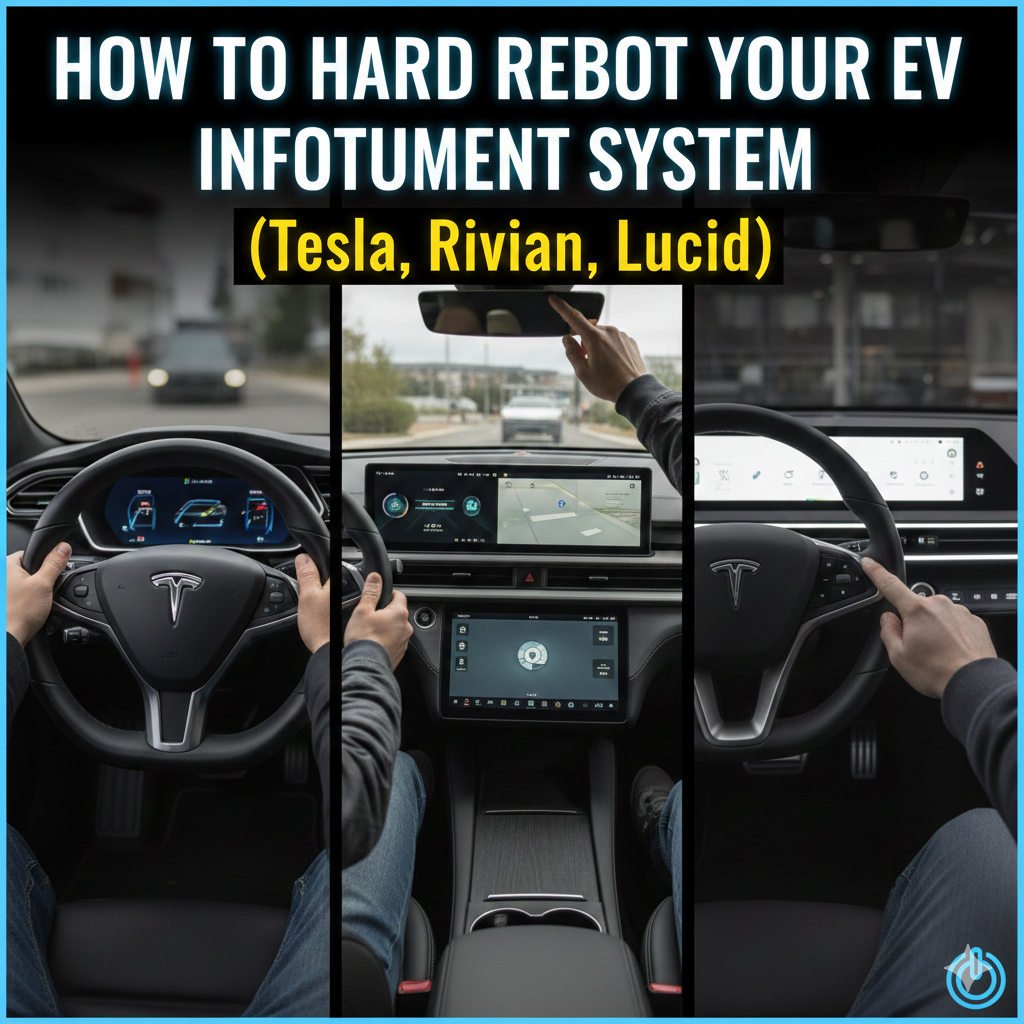
We have all had this problem. You get into your car, which is really high tech and you are ready to go.. The screen is not working, the camera that shows what is behind you will not come on and the map looks very old.
This is the thing about driving a car that is, like a big computer. Sometimes you just have to turn it off and then turn it back on. Here is how to restart the computer in your electric car for the three big companies: Tesla, Rivian and Lucid.
1. Rivian (R1T & R1S)
Rivian’s software looks great. Sometimes it can be a bit tricky after a big update.
- The Soft Reset. This is like a normal restart
Use this if an app like Spotify stops working or your Bluetooth is being weird.
To do it:
Hold down the buttons on the left and far right of the steering wheel.
Wait for 15 seconds.
When the screens turn off let go.
This just restarts the screens while the truck is parked. It helps get things working again.
- The Hard Reset. This is like a full restart
Use this if the truck is showing “service required” messages or the air conditioning isn’t working.
To do it:
Hold the left button on the steering wheel and the button for the hazard lights on the ceiling at the same time.
A tip: Try not to do this than once an hour. It helps Rivian get a report of whats going on. Its a lot of work, for the trucks computer.
2. Tesla (Model 3, Y, S, X)
Tesla much came up with the “steering wheel reset ” and it works really well.
The Simple Two-Scroll Reset
This fixes most Tesla problems, like maps or no sound.
- The Step: Hold down both scroll wheels on the steering wheel at the time.
- The Wait: Keep holding them until the Tesla “T” logo shows up on the screen in the middle.
- Note: You can do this while driving but the screen will turn off. For safety it’s better to do it when the car is parked.
The Full Power Off Reset
If holding the scroll wheels didn’t work you need to turn off the car.
- The Step: Go to Controls then Safety and choose Power Off.
- The Rule: Don’t. Touch anything for 2 to 5 minutes. Just sit still. Let the car fully turn off. Soon as you press the brake the car will turn back on.
3. Lucid (Air)
Lucids DreamDrive and dual-screen setup can be a bit tricky and sometimes the Pilot Panel, which is the screen needs to be touched again to work right.
The Infotainment Reset
Lucid has a way to restart the system without getting out of the drivers seat.
The thing to do is this: on the steering wheel you have to hold the Next Track button and the Back button at the time.
Then you have to wait for a while about 15 to 20 seconds.
What happens next is that the Glass Cockpit and the Pilot Panel will turn off and then come on.
The Logo Tap, which is, like a software reset is something that works on some versions of the Lucid software. You can try tapping the Lucid Logo at the top of the screen a few times. You can hold the software version number in the settings menu.. If you need a fix that always works the way to do it with the steering wheel is the best.
The “Master Fix”: The Sleep Cycle
If the buttons do not work and the screen is still not working there is one thing you can try: The Sleep Cycle.
Unplug the car.
Get out of the car lock it and take your phone and key fob enough away from the car so the car forgets the connection this is usually more than fifty feet away.
Leave the car alone for thirty minutes.
When you come back to the car the Sleep Cycle will have turned off the high-voltage contactors in the car. Cleared the cache in the car. The Sleep Cycle is often better, at fixing the problem than pressing the buttons in an order.
How do you reboot your cars infotainment?
It depends on the reason for the infotainment system. Many car companies look at the infotainment system as a revenue generator. Using a subscription model, car companies can lock you into their proprietary infotainment system so you are forced to use their system only and cannot connect your phone (CarPlay or Android Auto) to it. (looking at you GM and your Ultium system). These infotainment systems are designed to sell you, the driver, the updates that are already installed in your car but are disabled…you want heated seats? Subscription. Want remote start? Subscription. Want up to date NAV? Subscription. These things and more are already installed in your car…they’re just disabled and behind a pay-wall…so the interface is purposefully designed to keep you out of things like this…which means that the interface is NOT designed by a UI engineer, instead it’s designed by bean counters…and a bean counter has one skill…revenue generating! Remember this…a car company will NEVER do ANYTHING in their cars for the sole benefit of the driver unless it’s mandated by law…if it costs money, and the law doesn’t demand it, they will find a work-around that doesn’t cost money, but WILL cost you frustration. They don’t care about you….you already purchased their POS…and they don’t care if you like it or not…you’re stuck!
How do you connect a phone to a car’s infotainment system?
There are few ways to connect.
It all depends on what the actual car radio can accept.
The most universal solution is a car FM radio transmitter. It works on all car radios that can receive FM radio. You can connect to it using an 3.5 mm cable or Bluetooth. The main down sides are that the free frequency may be hard to find in a city with FM band fully used by the broadcasting stations, and usually, the sound quality is not exactly Hi-Fi.
The next way to use an 3.5 mm AUX port on the radio itself, if it exists. Down side is that not all radios have it, the upside is the best possible sound quality.
Some old car radios have a cassette player. There is an adapter that converts the 3.5 mm cable audio, to magnetic signal picked up by the cassette player reading head.
Not the greatest solution, but it works.
And of course, many car radios have Bluetooth connectivity, so paired to the phone, it will act as a Bluetooth speaker (or speakerphone).